OKEx Is Now OKX: Name Change, Official Website and Scam Checks (2026)
OKEx and OKX are not two separate current exchanges: OKX is the name adopted in the 2022 rebrand. Learn which official domain to use, how to verify emails and social accounts, and what to do before entering login details.
Published 5 min read
Updated: October 12, 2026. This independent guide uses OKX's own rebrand and security documentation. Website routes and app menus can change, so verify the live page before entering account details.
Is OKEx the same as OKX? Yes. OKX is the current name adopted when the company rebranded from OKEx in 2022. OKX's announcement says the company dropped the letter “E,” changed its brand identity, and moved its main web presence to okx.com. The old name still appears in older articles, bookmarks and search phrases, but that does not mean users should trust a page simply because it contains “OKEx” or “OKX” in its name.
The safe approach is simple: type www.okx.com yourself, inspect the complete domain before signing in, and use OKX's channel-verification tool for an email address, phone number, social account or website that claims to be official.
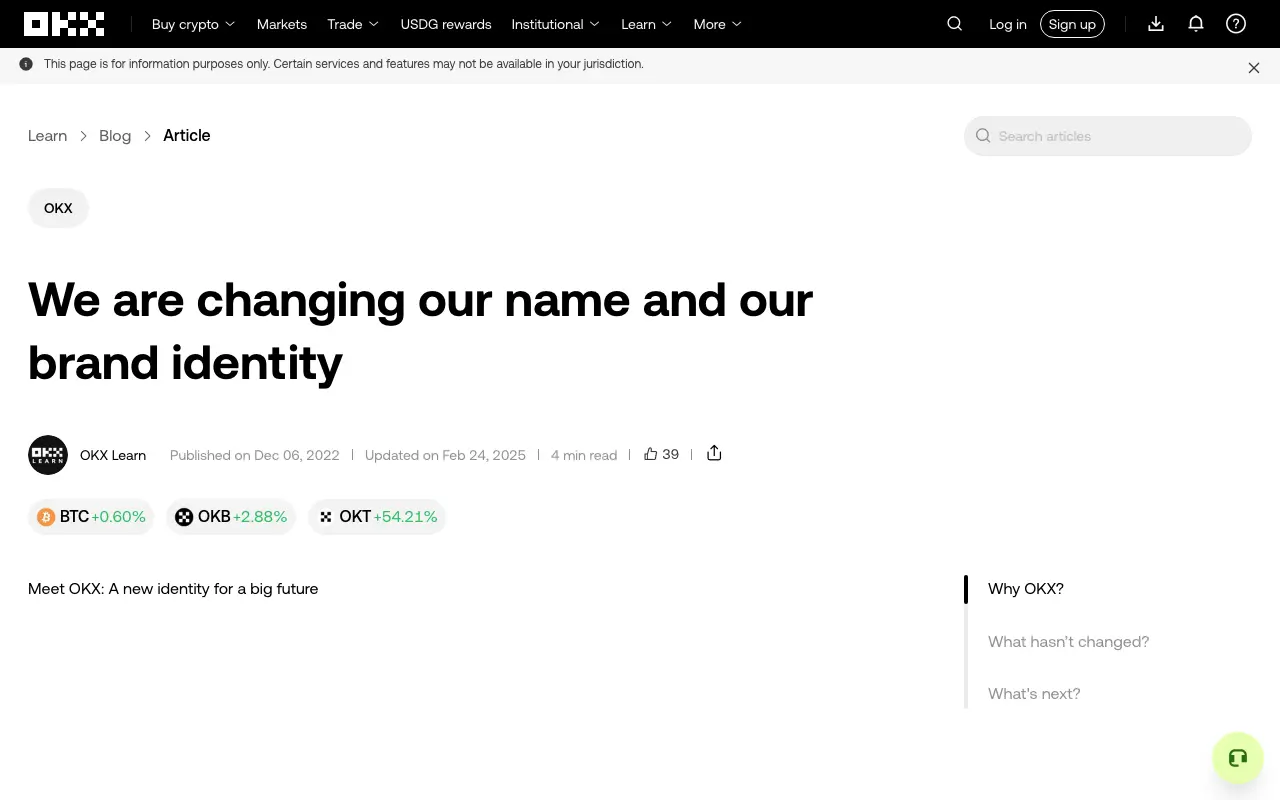
The official OKX Learn rebrand article, captured on October 12, 2026. It identifies the change from OKEx to OKX; the source link appears below.
What changed from OKEx to OKX?
The change was a brand rename, not the creation of a second exchange for users to choose between. In its official announcement, the company said it was renaming from OKEx to OKX and using okx.com. The announcement framed the shorter name as a move beyond an exchange-only identity toward a broader crypto product ecosystem.
For a visitor, the practical consequences are:
- current product and help pages use the OKX name;
- old tutorials may still say OKEx because they predate the rename;
- a search result, app listing or social profile using either name is not proof that it is official;
- product availability still depends on jurisdiction, regardless of which brand name an old article uses.
If you are preparing a new account, use our OKX registration checklist for beginners after confirming that the service is available where you live.
Which website is the official OKX website?
OKX's security guidance identifies https://www.okx.com as its official website and recommends typing it manually instead of opening a login link from an email, text message, advertisement or search result.
Before entering a password, check all four items:
- Read the full hostname. The page should be on
okx.com, not a lookalike that adds words, swaps letters or hides the real domain after a convincing subdomain. - Use a saved bookmark. Create it only after reaching the address you typed yourself. A bookmark reduces the chance of following a sponsored or copied result later.
- Treat urgent messages as untrusted. Claims about an account migration, refund, forced upgrade, frozen balance or expiring verification are common ways to create panic. Open the site independently instead of using the message's button.
- Do not use the padlock as the only test. HTTPS encrypts the connection, but a phishing site can also obtain a certificate. The exact domain matters.
A familiar logo and a polished login screen prove very little. Phishing pages are designed to copy visual details; the address and the route you used to reach it are stronger checks. Our broader OKX safety checklist covers two-factor authentication, withdrawal protections and other account controls after you reach the genuine site.
How to verify an email, phone number or social account
OKX provides a public Channel Verification page. Its help documentation says the tool can check channels such as website links, email addresses, phone numbers and social usernames. For usernames, follow the tool's requested format—for example, the help page says to include @ when checking a username.
Use this workflow when someone claims to represent OKX:
- Do not reply, click the supplied link or scan the supplied QR code.
- Open
okx.comindependently and navigate to its channel-verification page. - Copy the claimed email, number, username or URL as data to verify; do not open it.
- If the result is not verified, stop the conversation and do not send money or account information.
- Even if an identifier verifies, judge the request itself. A real-looking sender can still be compromised or spoofed, and OKX's own guidance says suspicious instructions should receive additional scrutiny.
OKX's channel-verification disclaimer also says its channel administrators will not privately request personal, financial or account information, and will not ask users to transfer assets to them or a third party. A direct message asking for a “security deposit,” “unlock fee” or transfer is therefore a stop signal, not a customer-service step.
Add an anti-phishing code to official emails
OKX documents an anti-phishing-code feature in its security settings. After you set a personal code, legitimate OKX emails are supposed to display that code. A missing or incorrect code should make you treat the message as suspicious.
This feature helps, but it is not a reason to click every email carrying the right words. Use it as one layer alongside the exact sender, the message content and independent channel verification. Never disclose the anti-phishing code as if it were a login code, and never share a password, authenticator code, seed phrase or private key with support.
For examples of fake support, copied sites and approval traps beyond this brand-specific check, see our guide to common Web3 scams and phishing patterns.
What if you already entered details on a suspicious page?
Act from a clean device and reach the official site by typing the address yourself. OKX's phishing guidance recommends changing affected account passwords and contacting official support. If wallet credentials such as a seed phrase or private key were exposed, a password change cannot protect that wallet; the official guidance says affected assets should be moved to a new wallet as soon as safely possible.
Also review active sessions, authentication methods and withdrawal settings in the genuine account interface. Do not return to the suspicious message to “cancel” anything, and do not pay a recovery fee to a person who contacts you privately. Preserve the suspicious URL, message headers and screenshots for a report, but redact passwords, codes and private keys before sharing evidence.
Quick answers
Is OKEx a different exchange from OKX?
No. OKX is the name used after the company renamed itself from OKEx in 2022. Older pages and search phrases may still use the former name.
What is the official OKX website?
OKX's own security pages identify www.okx.com. Type it manually and inspect the full hostname before entering login information. Availability and product terms can vary by location.
Can I trust a page because it ranks first in search?
No. Search position is not an authenticity check, and advertisements can appear above normal results. Reach the official domain independently and use OKX's verification tool for claimed channels.
Will OKX support ask for my verification code or seed phrase?
OKX's phishing guidance says it will not ask for SMS, email or authenticator verification codes. A legitimate exchange representative also does not need a wallet seed phrase or private key. Never share either.
Official sources
- OKX: We are changing our name and our brand identity
- OKX: How can you protect yourself from a phishing attack?
- OKX: How do I identify OKX official accounts?
- OKX Channel Verification
This is independent educational content, not financial advice and not affiliated with OKX. Never send funds or credentials to a person who contacts you privately, and verify current regional terms on the official site.